ScrapePlaces is built for one job: helping you create local business lists from a business type and a place. You start with an estimate, then collect matching Google Maps records, optionally enrich them with public website data, and export the result for outreach or research.
What ScrapePlaces is for
If you need a list of plumbers in Austin, dentists in Phoenix, or cafés in a specific neighborhood, the workflow is simple. Choose the category and location, review the estimate, and generate the list. ScrapePlaces is designed to assemble local business records from Google Maps and make them easier to work with afterward. Its data set includes fields such as name, address, phone number, website, rating, and category, depending on what is publicly available. See the overview of how it works for the full flow.
Start with a clear search
The quality of the list depends on how clearly you define the search. A vague request like “restaurants” can produce a broad mix, while “family restaurants in Tampa” or “roofing contractors in Leeds” gives you a more focused list.
Before you run a search, decide on three things:
- Business type — the category you want.
- Place — the city, region, or area you care about.
- Use case — sales prospecting, partnership outreach, market research, or list building.
That last step matters because the way you plan to use the list affects how you filter it later. For example, an agency building prospect lists for multiple clients may want to keep broad category searches, then narrow them by geography, rating, or website presence. If that sounds like your workflow, the for agencies page is a good place to start.
Understand what comes back in the list
ScrapePlaces collects local business records from Google Maps. That means the core list is based on what businesses have published there, and not every field will exist for every business. Some businesses list a website, some do not. Some have a phone number, some do not. That variation is normal and should shape how you use the data.
The main fields are practical ones for outreach and qualification:
- Business name
- Address
- Phone number
- Website
- Rating
- Category
If you want a more detailed view of the data, the local business data page explains where the fields come from and how to think about gaps in the record.
Use the estimate before you collect
One useful habit is to treat the estimate as a planning step, not a formality. It helps you gauge whether the search is too narrow, too broad, or likely to return the right volume of businesses for your project.
If the estimate looks off, adjust the category or place before you collect anything. That saves time and helps you avoid lists that are either too small to use or too large to clean manually.
A simple rule:
- If the estimate is too low, broaden the location or category.
- If the estimate is too high, narrow the geography or use a more specific business type.
- If the estimate looks reasonable, move ahead and collect.
Add enrichment only when it helps
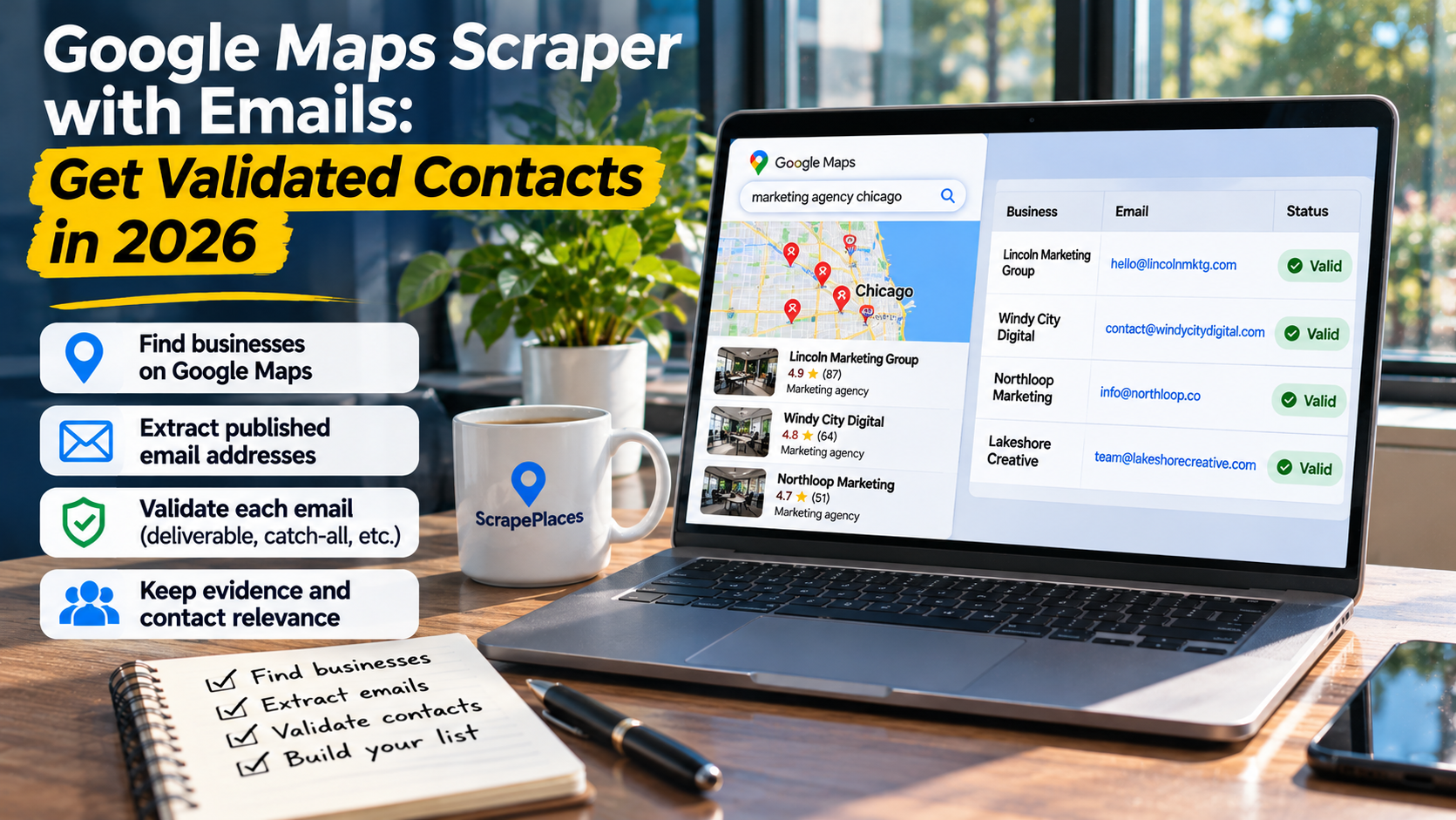
After the base list is collected, you can optionally enrich it with public information found on each business’s own website. This may include email addresses and social media links when those details are publicly posted.
That enrichment step is useful when your outreach depends on more than a phone number or website. For example, email can help a sales team route messages to the right place, while social profiles can help a marketer check whether a business is active online.
The key point is that enrichment is not guaranteed. If a business does not publish the information on its website, it will not appear. That makes the enriched list better suited to teams that are comfortable working with incomplete but publicly sourced data.
Find the right contact more efficiently
ScrapePlaces also includes a research feature that looks for people who handle marketing, partnerships, or purchasing at a business. It uses information the business has published and shows a source for each person it finds.
That can save time when you do not want to guess who to contact. Instead of sending a message to a general inbox or trying to infer the right role from a website, you can work from names and sources that are already connected to the business’s own published material.
If you are comparing this part of the workflow to other lead tools, keep one thing in mind: ScrapePlaces is focused on local business lists first, then public enrichment and role research second. It is not trying to replace every type of contact database.
Filter, combine, and export before outreach
Once you have a list, do not send it straight into outreach. First, clean it up.
Useful filters often include:
- Category
- Location
- Rating
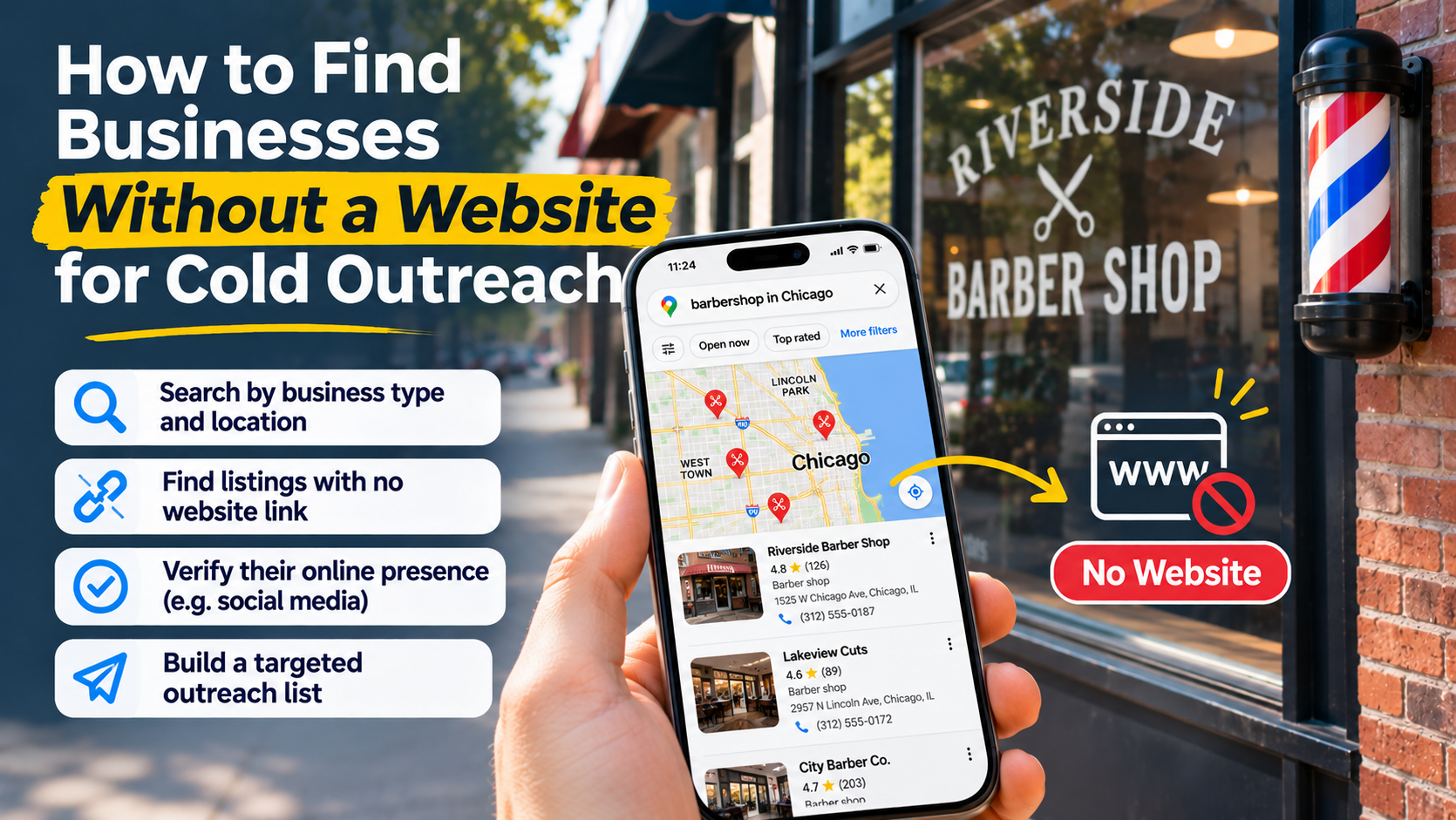
- Website present or missing
- Phone present or missing
- Enriched fields available or not
You can also combine lists when you are building a larger prospecting set across several searches. For example, you might create one list for roofing companies in one city and another for nearby suburbs, then merge them into one outreach file.
The final step is export. Exporting makes the list usable in the tools and processes your team already uses. That might mean a CRM upload, a spreadsheet review, or a handoff to a sales rep for manual prospecting.
For a quick reference on the workflow from search to export, the Google Maps scraper page is useful because it shows how the collection step fits into the overall process.
A practical workflow you can follow
Here is a simple way to use ScrapePlaces without overcomplicating it:
1. Define the list
Pick one business type and one place. Keep the first search specific enough to be useful.
2. Review the estimate
Make sure the expected size matches your goal.
3. Collect the records
Pull the business list from Google Maps.
4. Decide on enrichment
Only enrich if public email or social data would help your use case.
5. Research key contacts
Use the role research feature if you need names tied to marketing, partnerships, or purchasing.
6. Filter and combine
Remove records that do not fit your criteria and merge related lists if needed.
7. Export
Move the data into your outreach or research workflow.
When ScrapePlaces is a good fit
ScrapePlaces makes sense if you need current local business data and want to work from what businesses have made public. It is especially useful when you care about geography, category, and practical contact details more than a giant generic database.
It is less useful if you expect every record to have complete contact information. Because data quality depends on what businesses publish, you should expect gaps. That is not a flaw in the workflow; it is part of working with real public business data.
A short checklist before you start
- Pick one category and one place
- Check the estimate before collecting
- Decide whether enrichment is worth it
- Use role research only when you need named contacts
- Filter and combine before exporting
- Expect some records to be incomplete
If you want to see the structure behind the tool before running a search, the home page is the simplest place to begin.