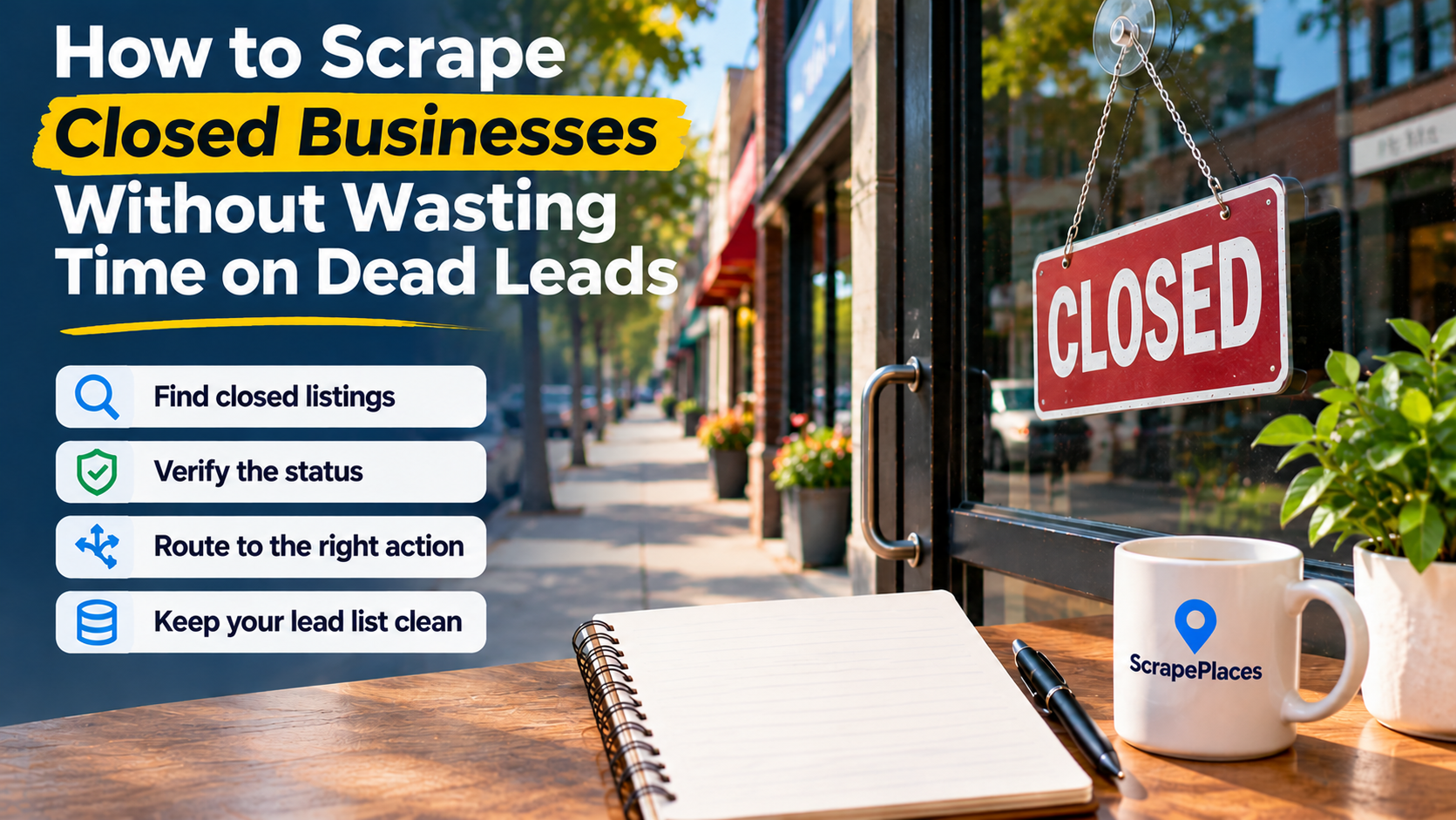
To scrape closed businesses without wasting time, collect closure status alongside business details, verify promising records, and separate closed locations from reachable prospects. A closed listing belongs in a research queue—not automatically in a sales campaign. Before collecting anything, decide whether you want to suppress inactive businesses or investigate opportunities connected to their former locations.
Decide what a closed record should trigger
The same closure record can require different actions depending on your offer. If you sell scheduling software to operating salons, a confirmed closed salon should leave your prospecting list. If you help commercial landlords market premises, that location may deserve further investigation—but the former salon’s phone number is not necessarily the right contact.
Write an action rule before starting your search:
| Your goal | What to do with a closure record | What needs verification |
|---|---|---|
| Clean an active-business prospect list | Suppress the closed location | Whether another branch or replacement listing remains active |
| Research commercial premises | Investigate the address | Current occupancy and the responsible property contact |
| Find relocation opportunities | Look for the business’s current location | Whether the same business still operates elsewhere |
| Explore asset acquisition | Research a specific asset | Ownership, availability, and a legitimate contact route |
| Study local market changes | Retain the record for analysis | Status evidence and when you observed it |
These are research paths, not conclusions you can draw from a map label. Closure does not establish that a property is vacant, equipment is for sale, or an owner wants to be contacted.
If you cannot name a useful next action, do not collect the record merely because it looks unusual.
Check that your collection method preserves closure status
A scraper that exports names, addresses, and phone numbers may still be unsuitable for a closure-specific project. You need to know whether it captures business status, whether it can filter on that field, and whether the status survives export.
Outscraper’s closed-business collection guide documents filtering through a business_status field for permanent and temporary closures. Treat that as a tool-specific capability, not something every local-business scraper provides.
Before running a broad extraction, inspect a small sample and ask:
- Is closure status present in the exported file?
- Are temporary and permanent closures distinguishable?
- Does an empty status mean unknown, or does the tool interpret it as active?
- Can you retain the listing reference used to check the record?
- Can you record when you collected or reviewed the information?
- Does filtering happen during collection or require a spreadsheet afterward?
Start with a narrowly defined business category and area. Inspect the output before expanding. A missing status column discovered early is a workflow problem; discovered after a large extraction, it becomes a manual cleanup project.
ScrapePlaces can support the broader local-business research workflow: choose a business type and place, see an estimate, then collect Google Maps records including name, address, phone number, website, rating, and category. Lists can be filtered, combined, and exported; optional website enrichment adds public information such as emails and social links. Its business data overview and collection workflow explain that process. For closure-specific work, establish status separately rather than assuming those business details prove a location is operating or closed.
Keep the reported status separate from your judgment
Do not overwrite the original closure label with your own interpretation. Preserve what the listing reported, then add a separate research decision.
Scrap.io’s discussion of Google Maps closure labels distinguishes permanent closures, temporary closures, and seasonal inactivity, and describes closure labels as information that can originate from owners or accepted community edits. That makes the label a useful starting point, not sufficient evidence for every commercial decision.
Build a working file with fields such as:
- Identity: business name, full address, category, and listing reference.
- Contact details: website and phone, leaving unavailable values blank.
- Reported status: the exact status returned by your collection method.
- Collection date: when you observed that status.
- Verification evidence: what you found and where you found it.
- Reviewed outcome: closed, relocated, temporarily inactive, active, or unresolved.
- Next action: suppress, investigate property, research current business, or hold.
The collection date is not the closure date. If you first encounter a closed listing today, that does not show the business closed today. Store an actual closure date only when supporting evidence states it, and preserve the evidence alongside it.
Similarly, do not convert missing phone numbers, broken websites, or absent opening hours into closure labels. Record those conditions as separate observations.
Verify the records that could change a decision
Verification should be proportional to the action you plan to take. You do not need an extensive investigation into every irrelevant listing. You do need stronger evidence before contacting someone about a supposedly vacant property or a business that allegedly stopped trading.
Outscraper’s verification guidance recommends checking closure information against other public material, including websites, social profiles, mapping services, and official registries. Use these checks to resolve specific uncertainties rather than collecting more data without a purpose.
Check whether the business moved
Search the business name alongside its locality. Inspect its own website for a current address or relocation notice. Compare the old and current addresses rather than relying on a name match alone.
For example, a repair shop’s old listing may be marked closed while its website directs customers to a different premises. Classify the old location as closed and the business as relocated. Do not suppress the entire company if your offer still fits its current operation.
Look for direct statements
An explicit closure announcement on the business’s own website or public profile is more useful than guessing from inactivity. Record what the announcement establishes: permanent closure, a temporary interruption, relocation, or a change of ownership.
An old post or functioning website should not override conflicting evidence automatically. If the evidence does not resolve the question, mark the record unresolved.
Verify the opportunity separately
If your interest is the premises, investigate current occupancy and the property contact. If your interest is equipment, seek an actual sale notice or other ownership evidence. If your interest is an ongoing business, find its current operating identity.
A restaurant closure does not tell you who owns the building or whether a replacement tenant has moved in. Keep the closure claim and the opportunity claim in separate fields.
Deduplicate by location without losing the business relationship
Cleaning only by business name creates avoidable mistakes. A company may have several locations, while unrelated businesses may share similar names.
Normalize names and addresses for comparison, but retain their original values. Review likely duplicates using the address, website, phone number, and listing reference where available. Do not merge records solely because their names resemble each other.
Keep these cases distinct:
- Duplicate listings for the same business at the same address.
- An old location and a replacement location for the same business.
- Different branches with different operating statuses.
- Different businesses that occupied the same premises.
This distinction also matters for suppression. A confirmed closed branch should not automatically block outreach to every active branch using the same website domain. Define whether your exclusion applies to a location, contact, or whole company.
Enrich only after the record passes qualification
Finding additional contact details before checking relevance reverses the useful order of work. First establish what the record represents and whether there is an actionable opportunity. Then research the contact appropriate to that action.
Use a simple routing system:
- Confirmed closed, no relevant opportunity: suppress from outreach.
- Relocated and still relevant: research the current business.
- Potential property opportunity: find the current property representative.
- Unresolved status: hold outside automated campaigns.
- Verified active and suitable: continue normal qualification.
For each contact you retain, note why that person or organization is relevant and where the contact information came from. A former business email is not evidence that its recipient handles the property, remaining assets, or successor company.
Keep outreach factual and sensitive. Avoid declaring that a business failed or that its premises are vacant unless you have verified evidence. When appropriate, ask whether the recipient is the correct contact for the specific matter you researched, rather than pitching against an assumed closure story.
Set a release gate for your outreach file
Maintain a research file separately from the list approved for outreach. Only export qualified records into the latter. This prevents unresolved listings and historical contact details from slipping into campaigns when files are combined.
Before releasing a record, check:
- The business or location identity is clear.
- Reported status and reviewed outcome remain separate.
- Supporting evidence is recorded.
- The proposed opportunity has been verified independently.
- The contact matches that opportunity.
- Duplicate and suppression checks are complete.
- Any applicable collection, privacy, and outreach requirements have been reviewed.
When refreshing the dataset, preserve prior observations instead of replacing them silently. Investigate meaningful changes, such as a new address or a status reversal, and update the next action. Leave records with unresolved contradictions in the research queue. The goal is not to turn every closed listing into a lead; it is to ensure every released lead has a defensible reason to be contacted.