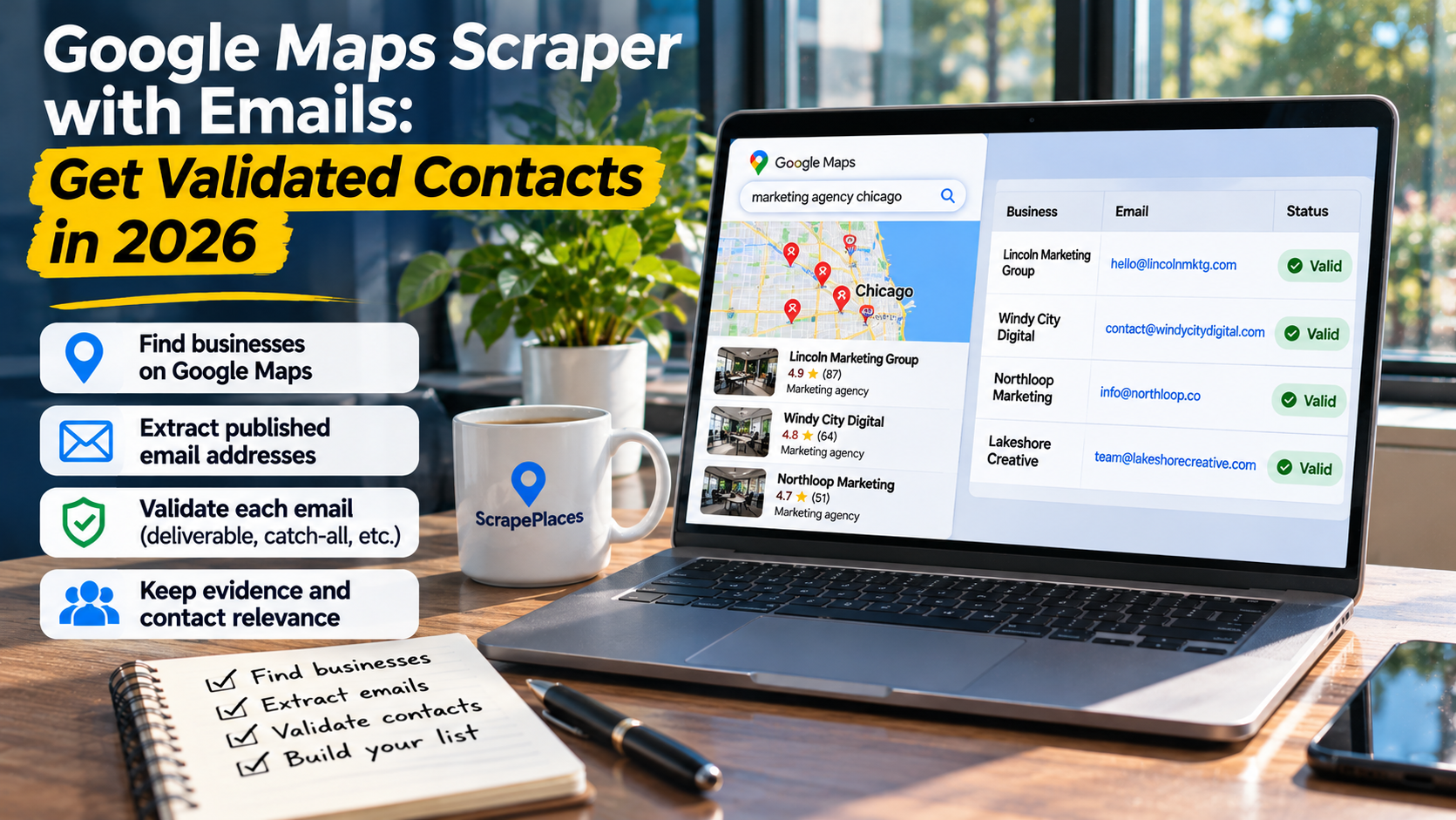
A Google Maps scraper with emails should help you move from business discovery to usable contacts—not simply add an email column to a listings export. The reliable workflow is to collect matching businesses, find emails on their own websites, validate those addresses, and check whether each contact fits your purpose. Treat these as separate requirements, even when a tool presents them together.
Define what an outreach-ready record needs
Before choosing a scraper, decide what a usable record means for your campaign. A local agency offering website services may need a business email and the correct website. A supplier approaching purchasing staff may also need a named person and evidence of their role.
Keep these layers separate:
- Business identity: name, category, address, phone number, and website.
- Email evidence: the published address and the page where it appeared.
- Technical validation: checks on the address and its email domain, with the result recorded.
- Contact relevance: whether the address or person is appropriate for your offer.
A record can pass one layer and fail another. An email may be technically valid but belong to customer support. A named marketing manager may be relevant but have no public email address. A complete Maps listing may have no website to inspect.
This distinction prevents a common mistake: treating every populated email field as a qualified lead. Your acceptance rule should cover both contactability and relevance.
Understand where the email actually comes from
Maps discovery and email discovery are different jobs. The listing gives you a business and, when available, a website. Email enrichment then examines that website for public contact information.
That website step matters because an address needs context. An email on a contact page may be a general inbox. An address beside a staff biography may belong to a particular employee. An address in a footer could belong to the business—or to the agency that built its site.
For each extracted email, try to preserve:
- The business website used for discovery.
- The page containing the address.
- Any nearby name, title, or department label.
- Whether the address appears to serve the business, a branch, or an outside provider.
Do not assume that an address matches a business just because it appears somewhere on its website. Review the surrounding text and the domain relationship.
For example, a contractor’s contact page might publish a service inbox while its careers page publishes a recruitment inbox. Both are public addresses, but they serve different purposes. Neither automatically identifies the person responsible for buying marketing services.
Missing emails are also a legitimate result. Some businesses publish only a phone number or contact form. Keep those records separate rather than filling gaps with guessed address patterns.
Separate email extraction from validation
Finding an address means it was discovered. Validating it means checks were performed. These are not interchangeable claims.
A useful validation process considers several questions:
Is the address structurally plausible? Syntax checks can identify malformed addresses, but a correctly formatted address may still be unusable.
Does the domain support email? Mail exchange, or MX, checks help establish whether the domain has mail-routing infrastructure. They do not prove that a particular mailbox exists.
Can the mailbox be assessed? A verification service may return a positive, negative, or uncertain result. Some mail servers restrict checks or accept mail broadly, making a definitive answer difficult.
Is the contact suitable? Technical validation does not tell you whether the recipient handles partnerships, purchasing, or marketing. That requires separate research.
Ask a provider what its validation label means. Does “valid” refer only to formatting and domain checks, or does it include mailbox-level assessment? How does it handle uncertain and catch-all results? Is there a date attached to the check?
Even a positive result is not a promise of delivery, a reply, or permission to send. Treat validation as a way to reduce avoidable errors—not as a guarantee.
Keep uncertain addresses in a separate review queue. Mixing them with confidently assessed contacts makes the export look more complete while hiding the work still required.
Build the list in stages
A staged workflow makes errors easier to spot and lets you stop enriching businesses that do not fit your campaign.
Set the business and location criteria
Start with a clear business type and service area. “HVAC contractors in Austin” gives you a more reviewable scope than a broad search for businesses across unrelated markets.
Also define exclusions. You might exclude suppliers when targeting installers, or distinguish independent locations from franchise branches. Make those decisions before collecting contacts so they are applied consistently.
Review business fit before enrichment
Check the category, website, and location against your targeting criteria. A business may appear in a relevant search without offering the exact service you need.
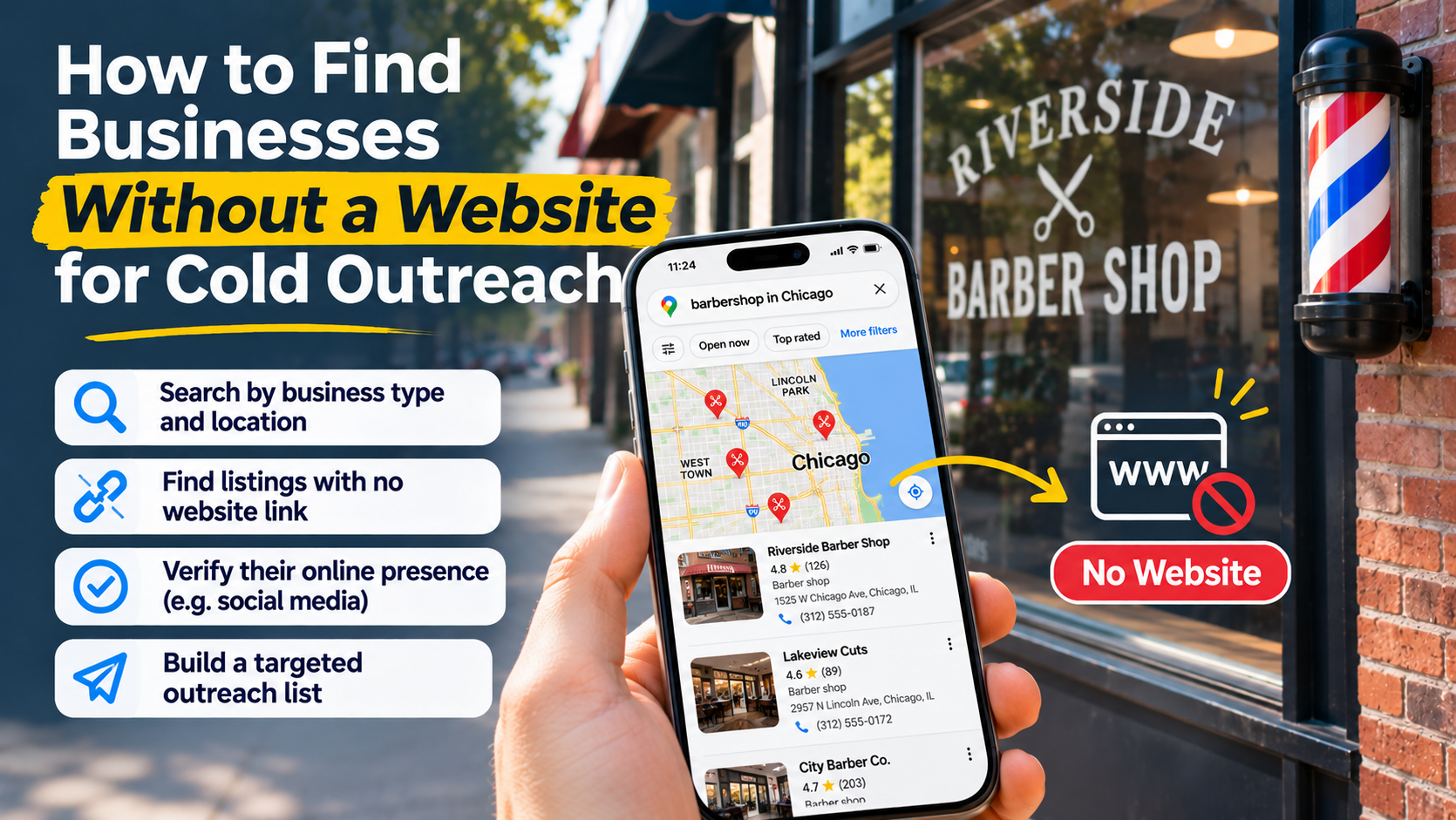
Remove obvious mismatches before spending time on email research. Keep businesses with no website in a separate group if phone outreach or manual investigation could still be appropriate.
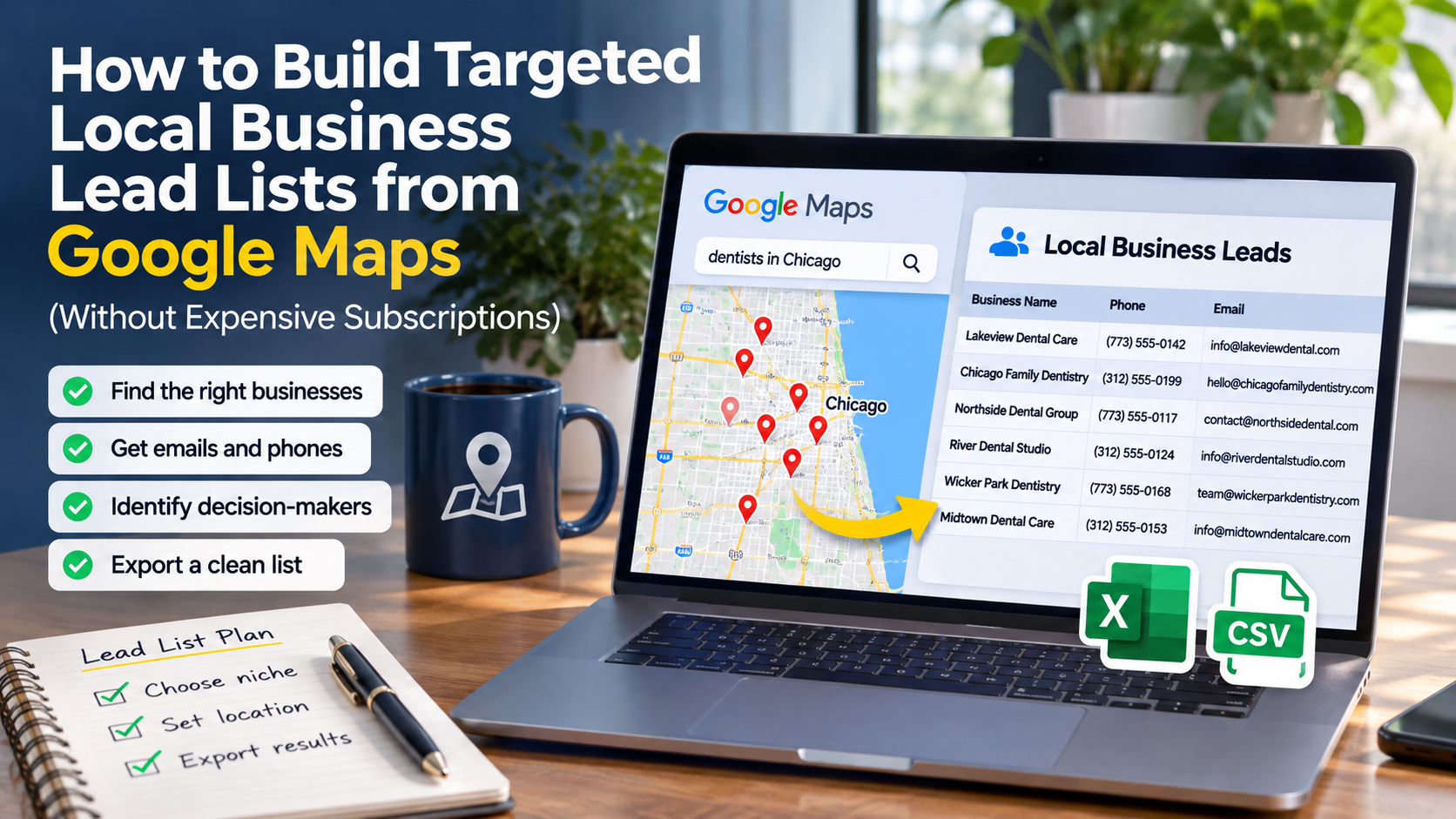
ScrapePlaces supports this discovery stage: you choose a business type and place, see an estimate, and collect matching Google Maps records. Optional enrichment adds public emails and social links from business websites; its research feature looks for people handling marketing, partnerships, or purchasing and supplies a source for each person found. Lists can be filtered, combined, and exported. The workflow overview explains the process, while the business data overview describes what is collected. Available data depends on what businesses publish; do not assume email enrichment includes technical validation.
Extract, check, and classify contacts
Once the business list is relevant, collect published emails and retain their evidence. Run the technical checks your campaign requires, then classify the contacts by purpose.
Useful classifications include general business inbox, relevant department, named person, unrelated contact, and unclear ownership. These labels help you decide what needs manual review.
Research people where it matters
Person research is most useful when the recipient’s responsibilities affect your message. Look for a published role that connects the person to your offer rather than relying on a senior-sounding title.
Keep person evidence separate from email evidence. Finding someone’s name on a team page does not establish that a general inbox belongs to them. Do not label a contact as a verified personal email unless you have evidence linking that address to that person.
Audit the export before it reaches your outreach tool
The final file should preserve decisions, not just contact details. If every row contains only a company name and email, reviewers cannot distinguish a published general inbox from a researched individual contact.
Where your tools support them, retain fields for business website, email source page, contact type, person source, validation status, and validation date. If the scraper does not provide these fields, maintain the missing review information separately.
Check duplicates with care. Repeated listings may refer to the same business, while separate branches may share a central email address. Deduplicating only by business name can merge distinct locations. Deduplicating only by email can hide branch relationships.
For outreach, decide whether your campaign targets the organization or individual locations. Then keep enough location information to avoid sending repetitive messages to a shared inbox.
Before importing contacts, use this checklist:
- The business matches the campaign’s category and geography.
- The website belongs to the intended business.
- The email’s source and purpose are understood.
- The validation result is acceptable under your campaign rules.
- Any named person has supporting role evidence.
- Duplicate contacts and shared inboxes have been reviewed.
- Previous opt-outs and other suppression records have been excluded.
Public availability is not the same as permission to contact someone. Check the rules applicable to your recipients and outreach method, and use an appropriate opt-out process.
Evaluate tools by evidence, not filled columns
When comparing scrapers, ask to inspect the output structure and the definitions behind its labels. A tool that returns fewer contacts with clear evidence may be more useful than one that fills every email field without explaining how.
Ask these questions before committing to a workflow:
- Are emails extracted from published pages, inferred from patterns, or both?
- Can you distinguish extracted addresses from guessed ones?
- Does validation assess the mailbox, or only the address format and domain?
- Are uncertain results clearly labeled?
- Can you retain evidence for emails and researched people?
- Can you separate general inboxes from relevant named contacts?
- Can you filter and export only records that meet your acceptance rules?
- What happens when a business has no public website or email?
The useful output is not the largest spreadsheet. It is a list you can explain: why each business belongs, where its contact information came from, what was checked, and what remains uncertain.