Cold emailing local businesses works best when you contact a relevant business, describe something you actually checked, and make the next step easy. Before improving your subject line, confirm that the address is suitable, your sending setup is sound, and your offer connects to a specific need. Then measure interested replies and sales conversations—not just activity.
Start with a reason to contact the business
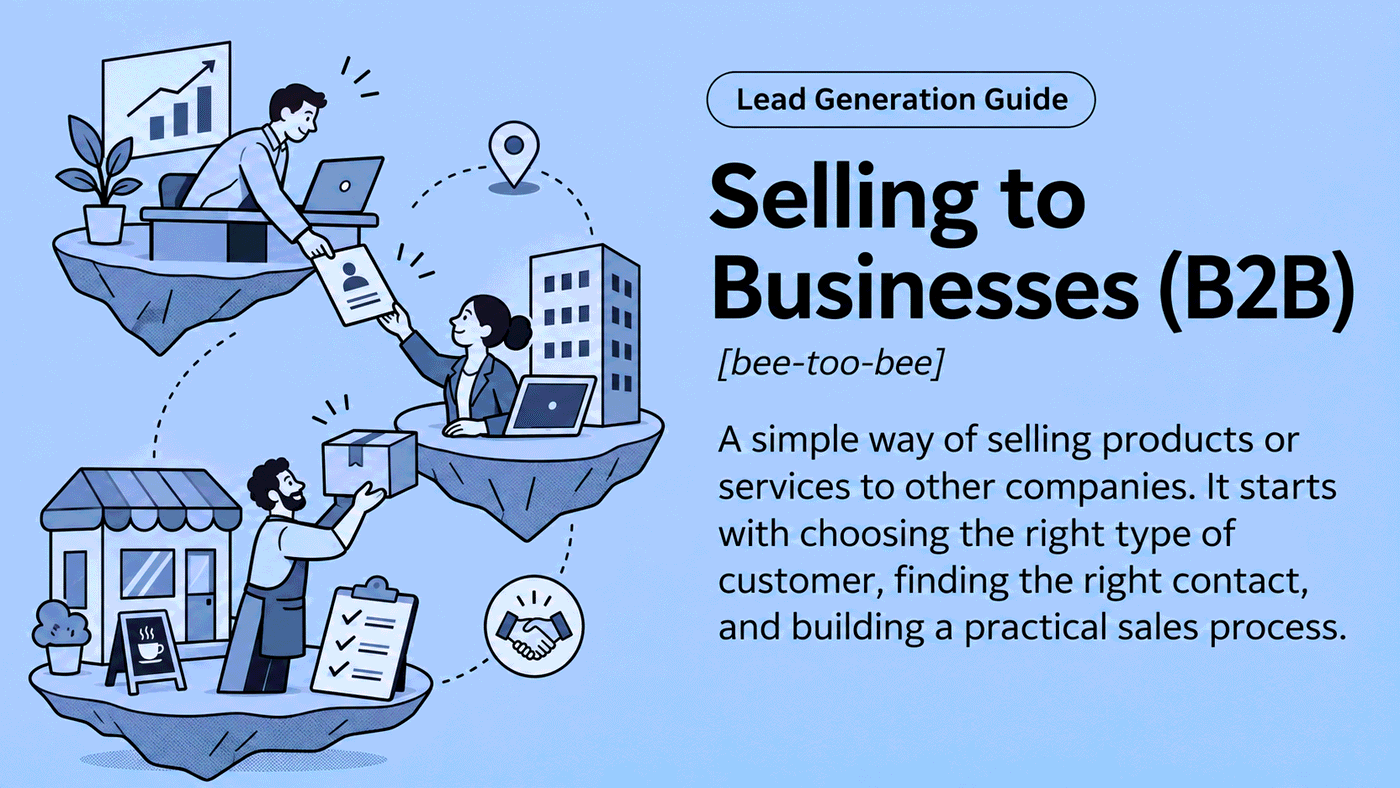
A business category and a location define a search, not a qualified audience. An independent electrician, a commercial electrical contractor, and a firm recruiting subcontractors may appear in the same list but need different services.
Write a qualification statement before collecting contacts:
We help established dental practices improve the path from their mobile website to an appointment request. We contact practices where we can verify a booking obstacle and identify a relevant business contact.
This gives your research a purpose. It also prevents you from pitching website redesigns to businesses whose websites already support your proposed outcome.
For each candidate, record:
- Business name, category, location, and website.
- The service or customer group relevant to your offer.
- A verified observation, with its page and research date.
- The published contact address and where it appeared.
- The contact’s role, if known.
- A reason to include or exclude the business.
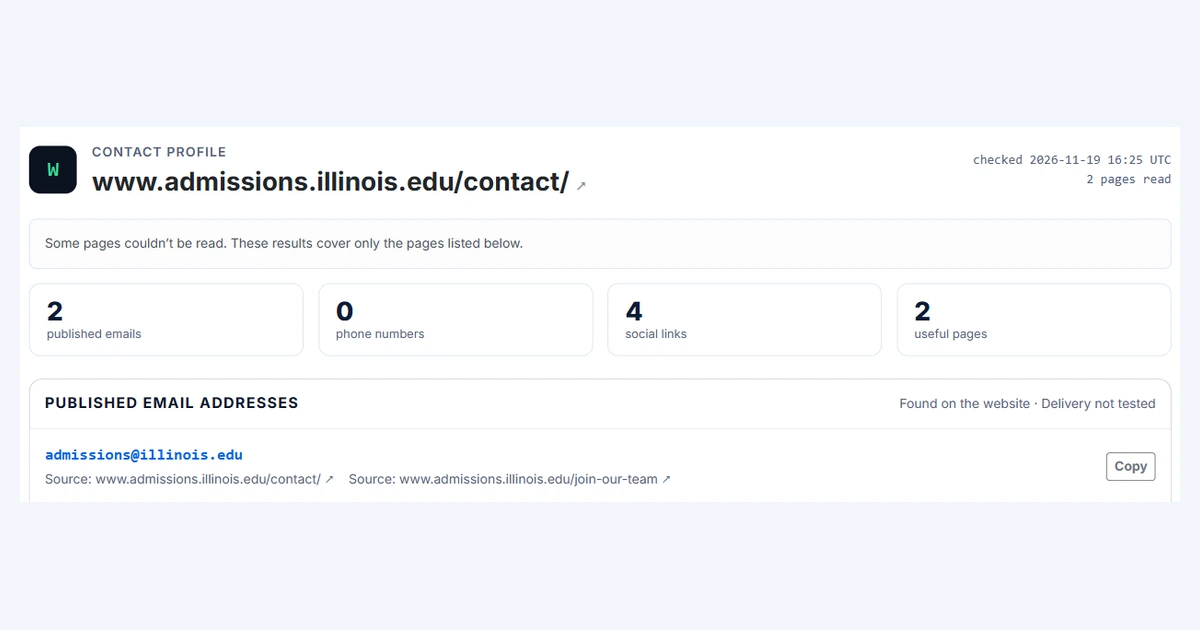
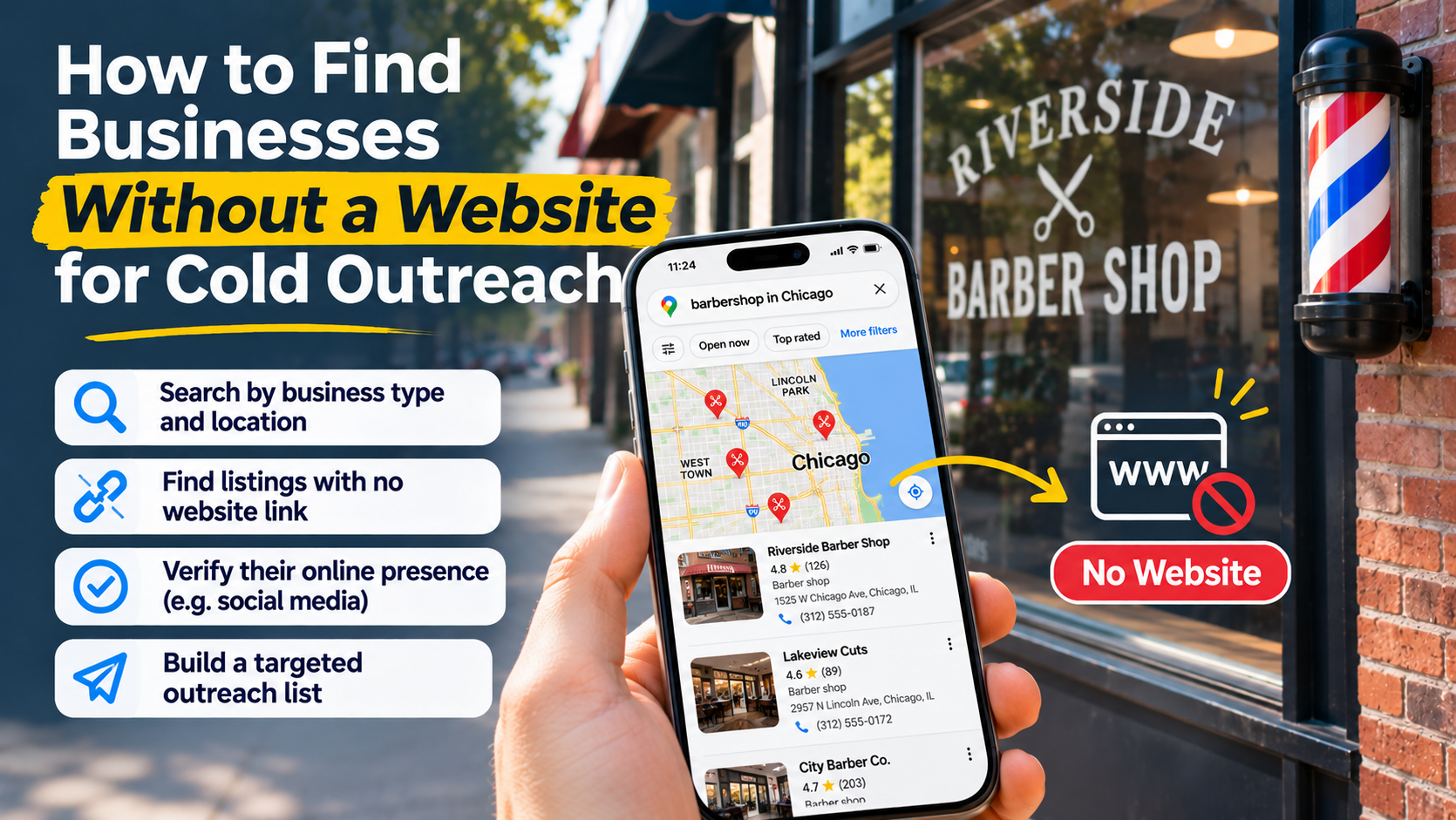
ScrapePlaces can build the starting list from a business type and place, collecting matching Google Maps records after showing an estimate. Optional website enrichment adds public emails and social links; its research feature looks for relevant people using business-published information and shows a source for each person found. Lists can be filtered, combined, and exported. The collection workflow and business data overview explain the process and fields. Availability depends on what each business makes public.
Treat collected records as research inputs, not as a ready-to-send audience. A published address does not establish permission, relevance, or current mailbox validity.
Verify the observation before writing the pitch
Useful personalization connects a fact to your service. Mentioning a town or praising a rating is not enough.
For a web designer, an observation might be a booking button that opens an error page. For a local SEO consultant, it could be an important service page missing from the navigation. For a marketing agency, it might be an advertised offer that leads to an unrelated landing page.
Check the issue yourself and record what happened. Distinguish what you observed from what you infer:
- Observation: The appointment button opened an error page on your phone.
- Hypothesis: That may create friction for visitors trying to book.
- Unsupported claim: The practice is losing appointments every week because of it.
Use the observation in your email. Present the hypothesis cautiously. Leave out the unsupported claim.
Be especially careful with search rankings. A search from your device is a snapshot, not proof of a business’s visibility everywhere. Do not claim that a competitor’s reviews caused a ranking difference unless you have evidence supporting that explanation.
If you cannot find a relevant observation, exclude the business or use an honest question about its process. Do not manufacture a flaw to justify outreach.
Make deliverability a launch requirement
Good copy cannot compensate for a broken sending setup. Before launch, ask your email administrator or provider to check SPF, DKIM, and DMARC configuration and alignment. Confirm that replies reach a monitored mailbox and that your sender identity clearly identifies your business.
Consider separating outbound activity from critical operational email to reduce exposure, but do not use misleading domains or rotate identities to get around filtering. Separation is risk management, not permission to send unwanted mail.
Introduce sending cautiously. There is no universal warm-up schedule that guarantees inbox placement. Watch delivery failures, provider warnings, complaints where available, and actual responses before expanding.
Clean addresses without overstating verification
Check syntax, domain status, and mailbox validity where your verification service supports it. Remove known invalid addresses and suppress contacts who have already declined.
An address marked valid is not necessarily monitored, interested, or safe to contact. Catch-all and uncertain results deserve separate review. Verification tools also cannot guarantee that every spam trap has been detected.
Deduplicate by business as well as address. Otherwise, separate campaigns may contact an owner and a general inbox with the same pitch.
Report consumer and business-domain addresses separately
Local businesses sometimes publish consumer email addresses rather than branded addresses. Keep those recipients separate in your reporting from company-domain recipients.
Mission Inbox’s discussion of consumer-address outreach highlights differences between consumer and business mailboxes and recommends auditing replies and bounces by recipient provider. Its strongest provider-specific claims reflect the author’s experience, not a universal delivery guarantee.
Use that distinction diagnostically: compare delivery failures, real replies, interested replies, and complaints across recipient groups. A weak segment should prompt investigation or a pause—not more sending.
Write an email that can be answered on a phone
Give the reader enough context to understand why you wrote, without making them work through your agency’s history or service menu.
Spona Sales’ cold-email template guide reports that high-performing senders often keep first emails under 80 words and emphasizes a clear, low-pressure ask. Treat brevity as an editing discipline, not a guarantee of results.
A useful message contains:
- A subject that accurately describes the topic.
- A specific observation about the business.
- A brief explanation of what you can help with.
- An easy question that moves the conversation forward.
Avoid fake reply prefixes, invented familiarity, unsupported revenue claims, and praise that could apply to any business.
Example: a verified booking problem
Use this only if you reproduced the issue described.
Subject: Appointment button on your site
Hi [Name],
I tested the appointment button on [Practice]’s mobile site, and it opened an error page rather than the booking form.
I help practices improve their booking paths. Would you like the screenshot and the page where it happened?
[Sender name and business]
Example: an uncertain contact role
Subject: Website enquiries at [Business]
Hello,
Who looks after website enquiries at [Business]?
I noticed the contact page directs visitors to a form that would not load in my browser. I can share the details with whoever maintains it, if useful.
[Sender name and business]
Send the screenshot only if it exists. Do not imply that you prepared an audit when you have not. Keep the initial message light: avoid unnecessary attachments, tracking, and links that do not help the recipient evaluate your question.
Include the identification, address, disclosures, and opt-out mechanism required for your situation. Check applicable laws and provider policies before sending; rules can differ by jurisdiction and recipient type.
Follow up with information, not pressure
A follow-up should help the recipient decide, rather than simply demand attention. Plan what you will add before launching the sequence.
You might clarify where the issue appeared, explain how to reproduce it, or ask whether the website provider should receive the details. If you have nothing useful to add, do not stretch the sequence merely to increase touch count.
For example:
Hi [Name], the error appeared after selecting “Book an appointment” on the contact page. If another person manages the website, I’m happy to send the details to them instead.
Leave reasonable space between messages and consider local working hours. There is no need to assume that a timing benchmark from unrelated campaigns applies to your audience.
Stop automated follow-ups when someone replies. Suppress opt-outs promptly across campaigns, and do not switch channels to evade a refusal. Silence is not consent or an invitation to keep escalating.
Turn an interested reply into a useful next step
When someone asks for the screenshot, send it. Do not substitute a calendar link for the help you offered.
Explain what you tested, what happened, and any limits to your observation. Then ask a question that reveals ownership or priority:
Is your current website provider already handling this, or would help checking the booking path be useful?
Before proposing a meeting, establish whether the issue matters, who owns it, and what assistance the business wants. A receptionist may route website concerns but have no authority to commission work. An owner may prefer a short written scope over a discovery call.
Offer a next step proportionate to the reply: reproduce the issue together, send a scoped recommendation, or arrange a conversation when the recipient requests one. Make any paid engagement distinct from the helpful material you initially offered.
Measure the funnel without hiding negative replies
Choose a consistent denominator for reporting, such as unique contacts reached, and document it. Mantis AI’s reply-rate benchmark comparison explains why studies can differ when they count contacts versus sends, include different reply types, or report averages versus medians.
Track real replies separately from automated responses. Classify them as interested, later, wrong person, declined, or opt-out. Then track whether interested replies become qualified conversations, proposals, and customers.
Review results by business category, observed issue, contact role, and recipient-provider group. If replies are mostly refusals, revisit relevance. If recipients request information but conversations stall, examine whether your promised help and subsequent offer match.
Change a specific variable at a time and keep notes. The useful outcome is not a larger send count; it is knowing which businesses have a genuine reason to continue the conversation.